 Slap Alert
No. Stripe has no official desktop app for Mac or Windows. You manage your account in the Stripe Dashboard in a browser, and Stripe's official Dashboard app is built for iPhone and Android. Its App Store listing says it's designed for iPhone and not verified for macOS. For sale alerts on a Mac, use a menu-bar app.
What to use instead depends on what you need. The App Store listing below was checked on October 26, 2026.
Stripe on a Mac: your three options
| What you need | Best option | Cost | Notes |
|---|---|---|---|
| The full Dashboard: refunds, customers, payouts, reports | The Stripe Dashboard in a browser | Free | Safari can give it its own window and Dock icon |
| Payment alerts on your phone | The Stripe Dashboard app for iPhone or Android | Free | Live mode only |
| Sale alerts on the Mac you work at | A menu-bar app, like Slap Alert | US$19 once, 7-day trial | Read-only, so keep the Dashboard for everything else |
Use the Stripe Dashboard in your browser
The Stripe Dashboard is a website, and it's where everything happens: payments, refunds, customers, subscriptions, payouts and reports. You use it in your browser.
If you want it to feel like an app, Safari can help. On macOS Sonoma 14 or later, open the Dashboard in Safari and choose File > Add to Dock, or click the Share button and choose Add to Dock. You get the Dashboard in its own window with its own Dock icon. This is a Safari feature, not something Stripe makes. The web app keeps its own cookies, separate from Safari, so you'll sign in to Stripe again inside it.
The "Stripe desktop apps" you may find in search work the same way: they wrap the Dashboard website in a window.
Can you run the Stripe iPhone app on a Mac?
Apple silicon Macs can run some iPhone apps. The Stripe Dashboard listing on the App Store, checked October 26, 2026, says:
- "Designed for iPhone. Not verified for macOS."
- On a Mac, it requires macOS 12.0 or later and a Mac with an Apple M1 chip or later.
So Intel Macs can't install it, and on Apple silicon Apple marks it as not verified. We haven't tested it, so we won't say how well it runs. On a Mac, the browser is the safe route.
What the Stripe mobile app notifies you about
According to Stripe's docs, the iPhone and Android app can send push notifications for:
- New payments
- New customers
- Disputed payments
- Deposited transfers
- A daily summary
You allow notifications from Stripe in your phone's settings. Two limits: the app only shows live-mode data, so test payments won't ping you, and your phone has to be near you.
Get Stripe sale alerts on your Mac with Slap Alert
Slap Alert is ours, so weigh this section accordingly. It works with Stripe. Stripe didn't make it and doesn't endorse it.
It's a Mac menu-bar app. A pixel-art monkey hangs from a vine in the top-right corner of your screen. When a Stripe payment comes in, he swings down and slaps a sticky note on screen with who paid and how much. The note floats over your windows and full-screen apps on every Space, never takes focus, and stays until you click it.
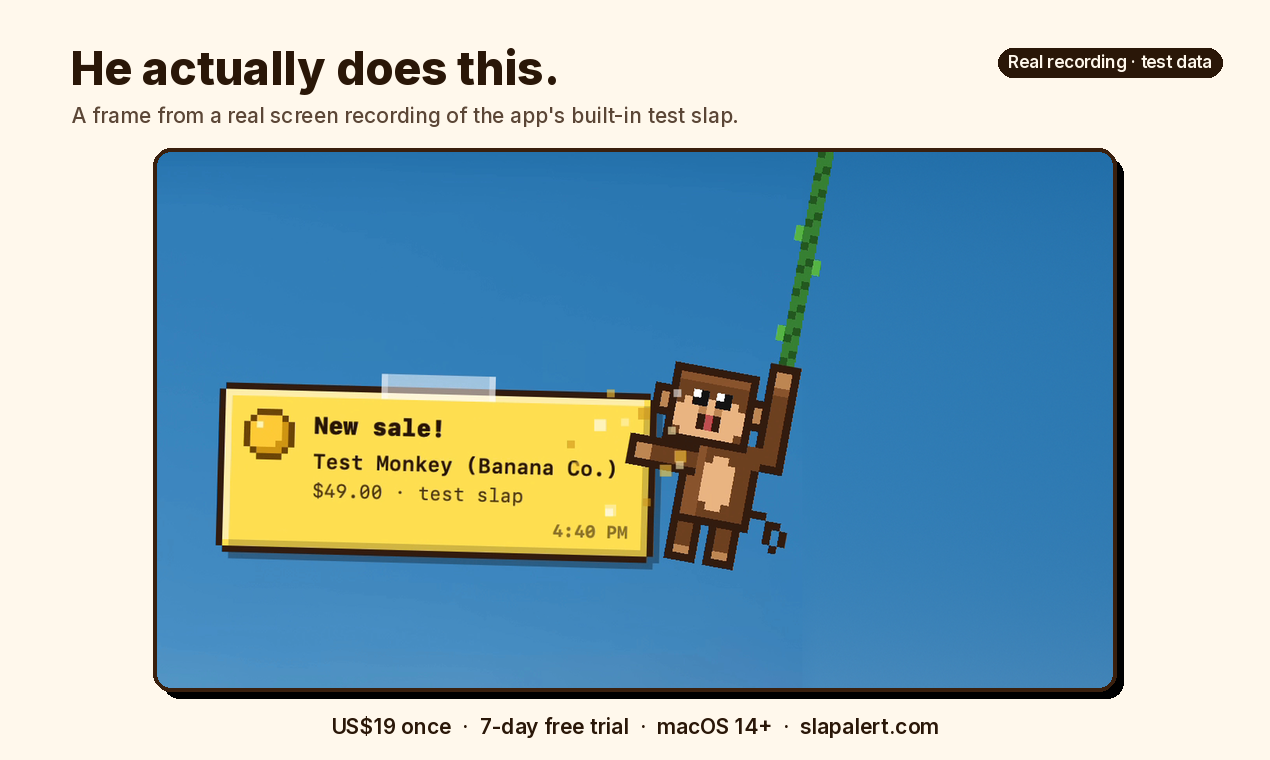
A frame from a real screen recording of the app's built-in test note. This is test data, not a real sale or a Stripe test-mode payment. Watch the 6-second demo with sound.
- Sound. Slap (the default, made by the app), Pop (macOS's built-in Pop sound) or Off. There's no separate volume control. To make it quieter, turn down your Mac or pick Off.
- Timing. Stripe is checked every 30 seconds with a restricted, read-only key. You can connect several Stripe accounts. Only payments made after you connect get a slap.
- What the note says. A subscription's first payment reads "New subscriber!", and a renewal reads "Renewal!" on a blue note. Refunds and failed payments get a quiet grey-blue note. Test-mode payments arrive as a grey note stamped TEST, so you can try it without a real sale.
- Revenue. Press ⌘R for Today, This Week and All Time, plus current MRR and ARR. These are numbers, not charts. You can also show today's total next to the monkey in the menu bar.
- Sharing. Milestones like your first sale get a win card, and real sale notes have a Share button. Post to X shows you the exact card first, and you write the caption.
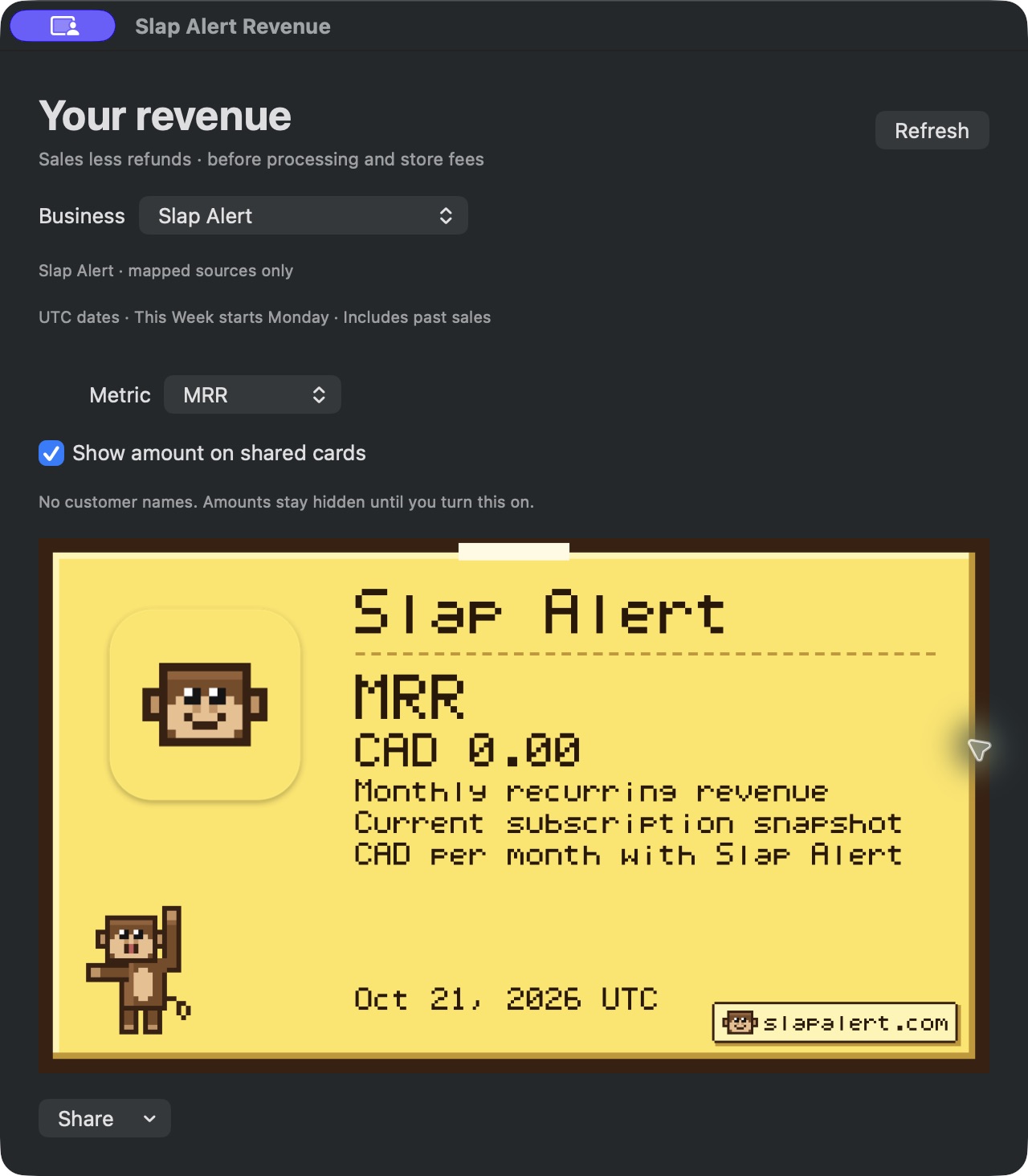
The Revenue window with MRR selected. Slap Alert is a one-time purchase, so its own MRR is zero. This shows the feature, not our revenue.
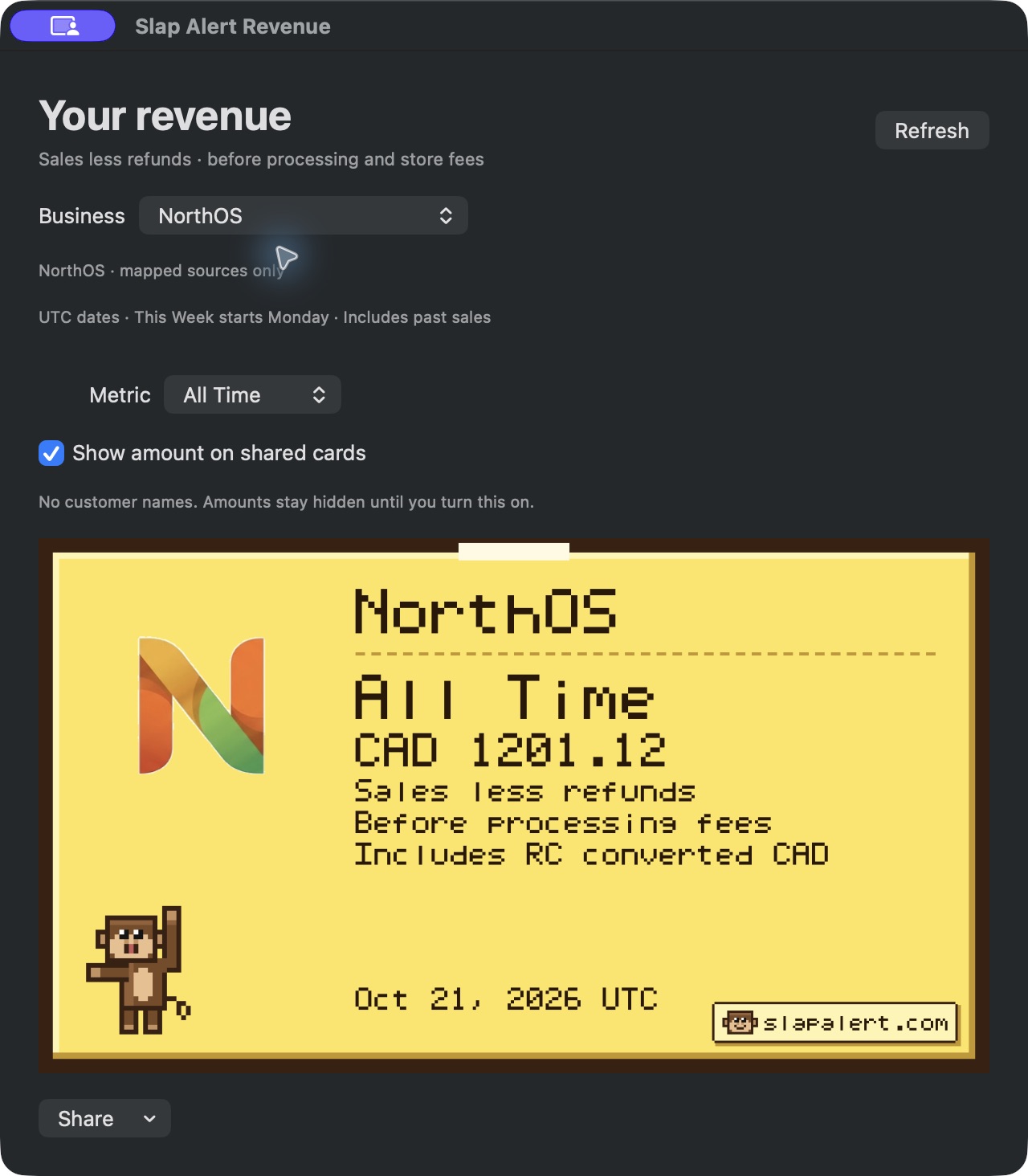
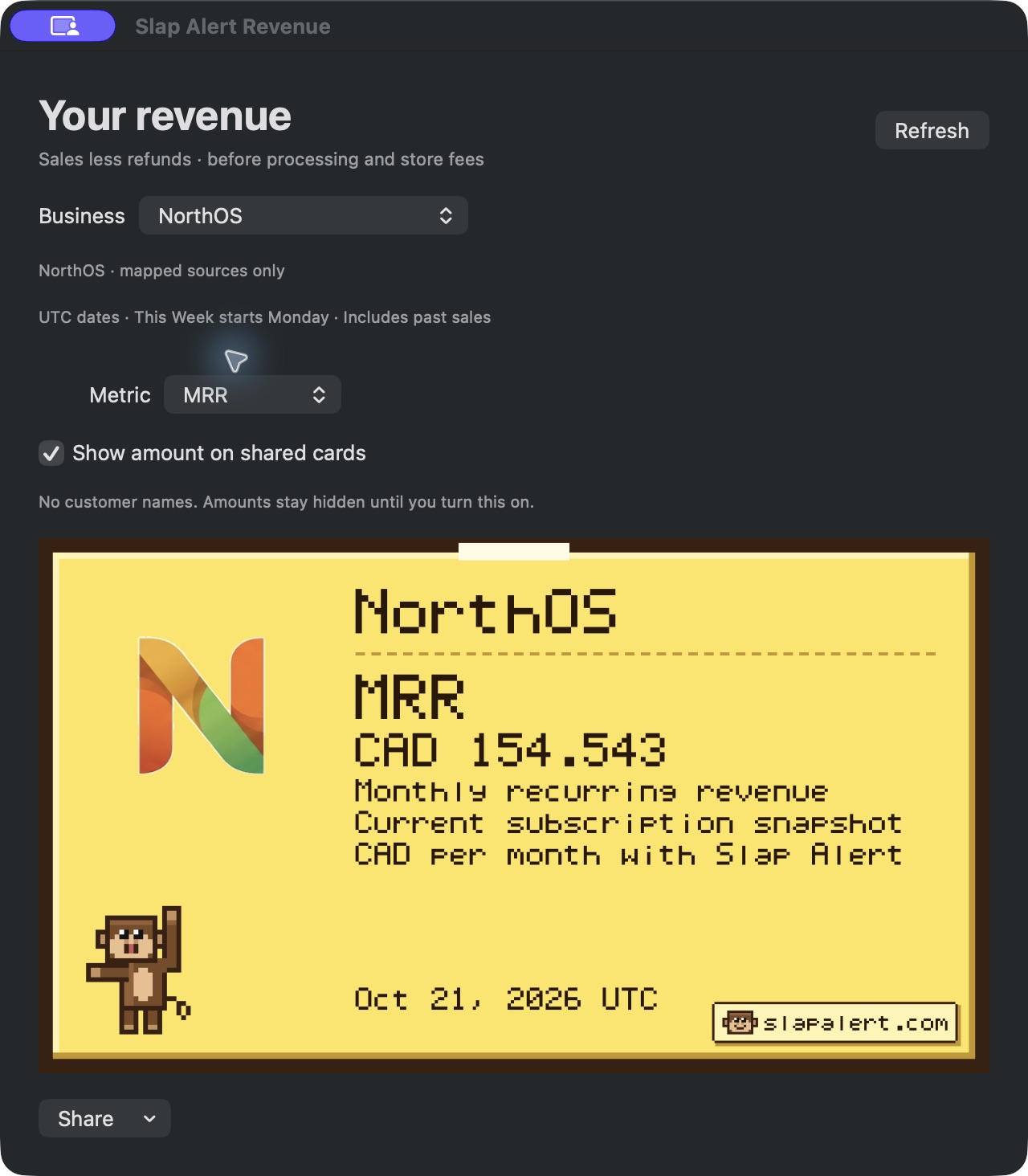
Real screenshots from the founder's other business, NorthOS: the All Time total, above, and the MRR card, below.
What Slap Alert doesn't do
- It doesn't issue refunds, manage customers or handle payouts. It's read-only.
- It has no charts.
- It doesn't alert on cancellations or churn, and a Stripe trial with no charge doesn't slap.
Keep the Dashboard for everything else.
Set up in four steps
- Download Slap Alert from slapalert.com and open it. The 7-day free trial starts on first launch.
- In Stripe, create a restricted key with Charges: Read and Invoices: Read. Add Subscriptions: Read if you want MRR and ARR.
- Paste the key into Connect Sales… in the monkey's menu.
- Send a test payment in Stripe test mode and watch for the grey TEST note.
Slap Alert refuses full sk_ secret keys. Your key stays in your Mac's login keychain and only goes to Stripe. The Stripe setup guide has the full steps, and its security section has more on keys.
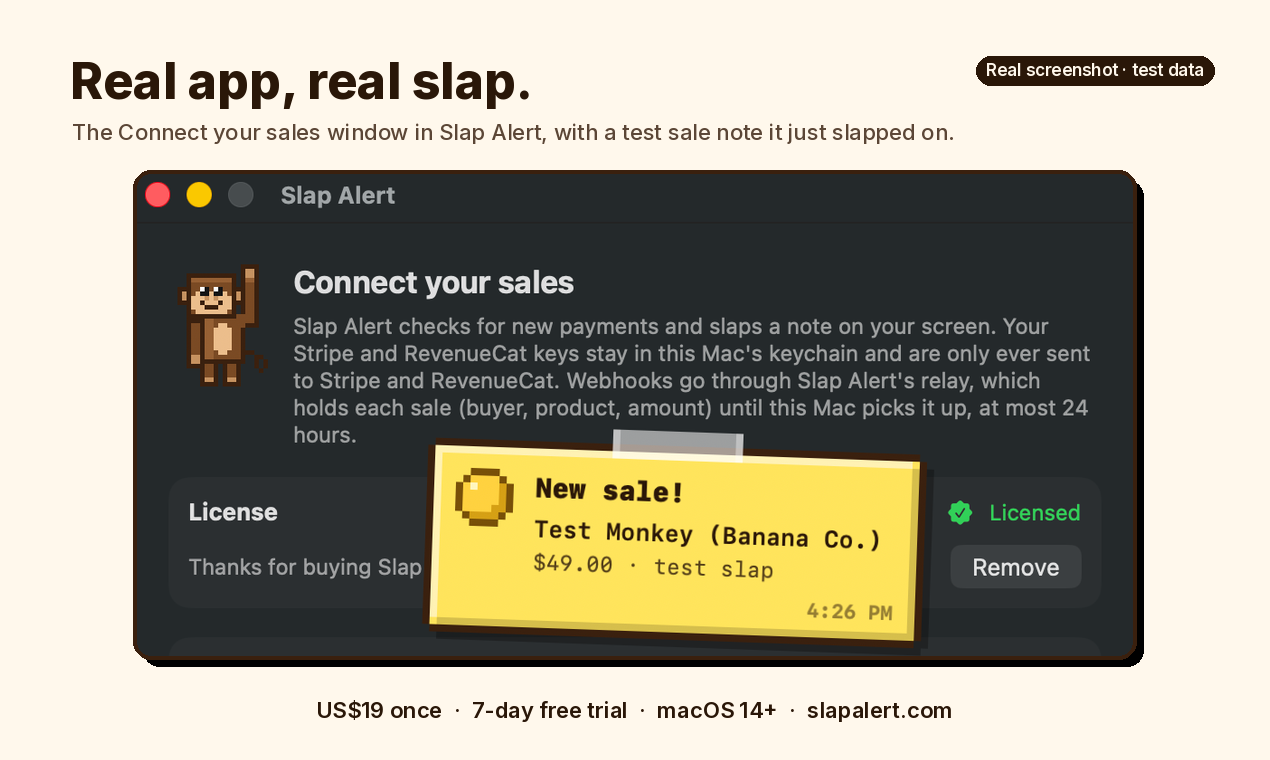
A real screenshot of the Connect your sales window with the app's built-in test note on top. Test data, not a real sale.
Other Stripe-on-Mac tools
There are other menu-bar apps, browser tabs that play a sound, and free webhook setups. Our sale notifications comparison lists them with prices and trade-offs. If you mainly want to stop checking the Dashboard all day, see stop refreshing Stripe.
Questions
Does Stripe have a desktop app for Mac?
No. You use the Stripe Dashboard in a browser. Stripe's official app is built for iPhone and Android.
Can I install the Stripe iPhone app on my Mac?
The listing only allows Apple silicon Macs. It says it needs macOS 12.0 or later and an Apple M1 chip or later, and it's marked "Not verified for macOS". Intel Macs can't install it.
How do I get Stripe notifications on my Mac?
Stripe doesn't document desktop notifications for the Dashboard. Use a menu-bar app that watches your account. With Slap Alert, you paste a restricted read-only key, and each payment arrives as a note with a sound, checked every 30 seconds.
Is there a Stripe app for Windows?
There's no official one. Use the Dashboard in a browser. Slap Alert is Mac only, on macOS 14 Sonoma or later.
Is there a Stripe menu bar app?
Not from Stripe. Third-party menu-bar apps, like Slap Alert, work with Stripe using a read-only key.
Does the Stripe app show test-mode payments?
No. Stripe's docs say the mobile app only shows live-mode data. Slap Alert does show them, as a grey note stamped TEST.
Is Slap Alert on the Mac App Store?
Not yet. Download it from slapalert.com. It runs on Apple silicon and Intel Macs.
Let him slap your next sale
Want Stripe sales on your Mac, not in a tab? Try Slap Alert free for 7 days. US$19 once.
Download the free 7-day trial or buy Slap Alert.
One-time purchase, US$19. 7-day free trial, full refund within 14 days. One licence covers all your own Macs. Tax is added at checkout where applicable. Launch price US$12 for the first 50 buyers, through Mon Nov 2, 2026, 11:59 PM ET.